
How to Search Cases by Name
Name searching starts with the free Bullock Search Docket. Pick a setting date first. The last-name box is optional. It only opens after that date is chosen, which makes the tool ideal for a known upcoming hearing. Leave the surname blank and you get the full list for that date. For a wider Bullock County case lookup by party name, turn to Just One Look, also called AlacourtAccess. It spans Alabama trial-court categories: criminal, civil, small claims, state traffic, domestic relations, and child support.
- Decide whether the goal is an upcoming date or a full case history.
- For a date, select the setting in the free County 09 docket and enter only the last name if narrowing is useful.
- For a broad name search, open Just One Look and enter the party information requested there.
- Compare court, case number, caption, filing date, and type before buying or opening detail.
- If no match appears, remove the surname from the date search and contact the clerk before drawing a conclusion.
| Field Label | Type | Required | Notes |
|---|---|---|---|
| County | Fixed | Yes | Displays 09 through the Bullock link. |
| Setting Date | Dropdown | Yes in use | Lists upcoming dates. |
| Last Name | Text | No | Blank returns the entire date docket. |
| Search | Button | Not applicable | Loads the docket result. |
Bullock County Case Search Tools
Two systems, two different jobs. Bullock Search Docket is the free option, and it works by date. Just One Look is the paid service for remote trial-record access. The free date form gives you no case-number box, no name field, no judge filter, and no way to sort or export results. It also warns that some cases may be missing. So a zero result there proves nothing about whether a Bullock County case exists.
Before you pay anything, check the official Just One Look terms and pricing page. It lays out what purchased case details include, along with updates, monitoring, and document images.
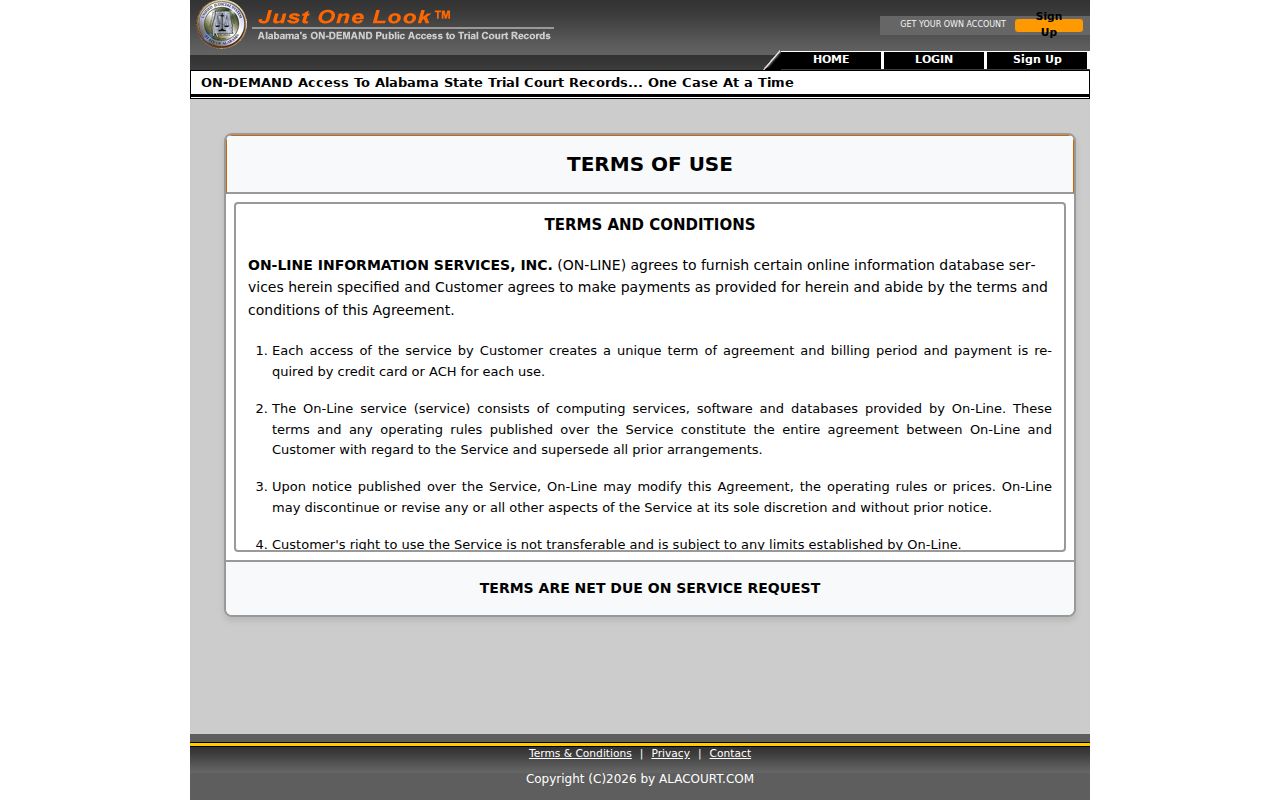
Keep the two services straight in your head. Just One Look sells remote convenience; it does not replace the free County 09 date list. Its terms spell out one detail worth knowing before you pay. A purchased case detail is a snapshot with a date, saved in your account history for at least 30 days. Want it refreshed after that? A new search fee applies each time.
How to Search by Case Number
Searching by number beats searching by name in Bullock County. Two people can share a name, but a full case number points to one file. Just One Look accepts case-number searches. It also tells users to keep the punctuation and any leading zeros intact. The Alabama traffic payment interface shows a real working format, 02-TR-2015-000025.00. That string is built from the county, division, year, a six-digit sequence, and an extension. Treat that as a traffic pattern only. Bullock County has no single published numbering code that fits every civil and criminal file. So don't force the traffic shape onto them.
Type the number exactly as it appears on your notice, citation, order, or filing receipt. Then check the caption and court that come back. A mismatch means you pulled the wrong docket. If the search fails, call the Bullock County Circuit Clerk at 334-738-2280. Give the division name too. When you need a copy of a filed document, write down its exact title and date first. Then make your Bullock County court record request.
Bullock County Case Search Custodians
The court that issued a case decides where its records live. For Circuit and District Court files in Bullock County, that means the Circuit Clerk. Municipal courts, including Union Springs, hold their own ordinance and traffic files. Probate matters sit with the Probate Office.
Not every case follows the Just One Look route. Check the court name on your notice first. If the County 09 date docket turns up nothing, call the office that actually keeps the file. That office has the file you need.
Zero-Result Bullock County Case Searches
A Bullock County case search that comes back empty usually has a simple explanation. The case may sit with a municipal or probate office. That happens instead of Circuit or District Court. Or the name is misspelled and the case number mistyped. The free date docket can also have gaps in what it covers. A privacy rule may shield a case or a single field. One thing the portal disclaimer does not promise is that every missing case is sealed.
- Search the selected date again with Last Name blank.
- Use the complete number in Just One Look when available.
- Confirm whether the issuing court is Circuit, District, Probate, Union Springs Municipal, or another municipal court.
- Call the clerk with the division and approximate filing year.
- Visit 217 North Prairie Street during posted weekday hours for free in-office electronic review.
- Ask whether an older, archived, paper, microfilm, or non-imaged file is stored elsewhere.
Rule 31 sets the retention schedule for court records across the state. That does not mean every old Bullock County file has been imaged for remote viewing. Instead of typing the same name into the docket search again, try a more careful fallback. A precise mail request can go to P.O. Box 230, Union Springs, AL 36089. Send it once the Bullock County Circuit Clerk confirms the file and the current copy fees.
What a Case Search Shows
What a Bullock County case lookup shows depends on the tool. One gives an index. Another gives a fuller report. Just One Look lists court setting dates, court actions and rulings, party detail, a Case Action Summary, financial information and costs, plus document images or attachments. The free date search gives you far less. It is only a narrow calendar snapshot. And remember: a filing marked in the docket proves the clerk received it. The clerk indexed it too. It does not mean the judge granted the request.
| Case Number | The court's unique identifier and the safest match key. |
|---|---|
| Style or Parties | The role-based caption, such as plaintiff and defendant or State and defendant. |
| Court and Type | Circuit or District division and the general case category. |
| Filed Date and Status | When the case began and its current system label. |
| Events and Settings | Dated filings, process, orders, judgments, and scheduled hearings. |
| Images | Available documents, subject to account, fee, privacy, and image status. |
The signed order controls, so read it for the terms that matter. A disposition line in the court docket may close all of the matter or only part of it. A later continuance can also replace an earlier court date.
Bullock County Case Lookup at Clerk
Remote access comes at a cost in Bullock County. Just One Look charges a fee for trial-record detail viewed from home. Alabama's 2025 court-record rules take a different route at the courthouse itself. Free viewing of public electronic Circuit and District court records is available at the Bullock County clerk's office. It runs during regular hours.
Older files or ones never imaged still have a home at the counter. Start by asking the clerk to run a name or case-number search. Then point to the specific docket entry or filed document you need. Copies and certification may add separate Rule 30 charges.
AlaFile Is Not Bullock County Case Lookup
AlaFile handles electronic filing and service for Alabama courts. It is not a general Bullock County case lookup anyone can run anonymously. The official Bullock court homepage lays out the steps for a self-represented party. Those steps cover seeking electronic notice. Register online and print the form. Bring it with state-issued photo identification to the Circuit Clerk during regular hours. Once the clerk activates the account, orders in that case can arrive by email.
Filings and service events entered here become part of the court record. Still, that does not mean every image is open to public view. The official Middle District CM/ECF entry point is a separate federal system. It handles filing and document access in federal cases.
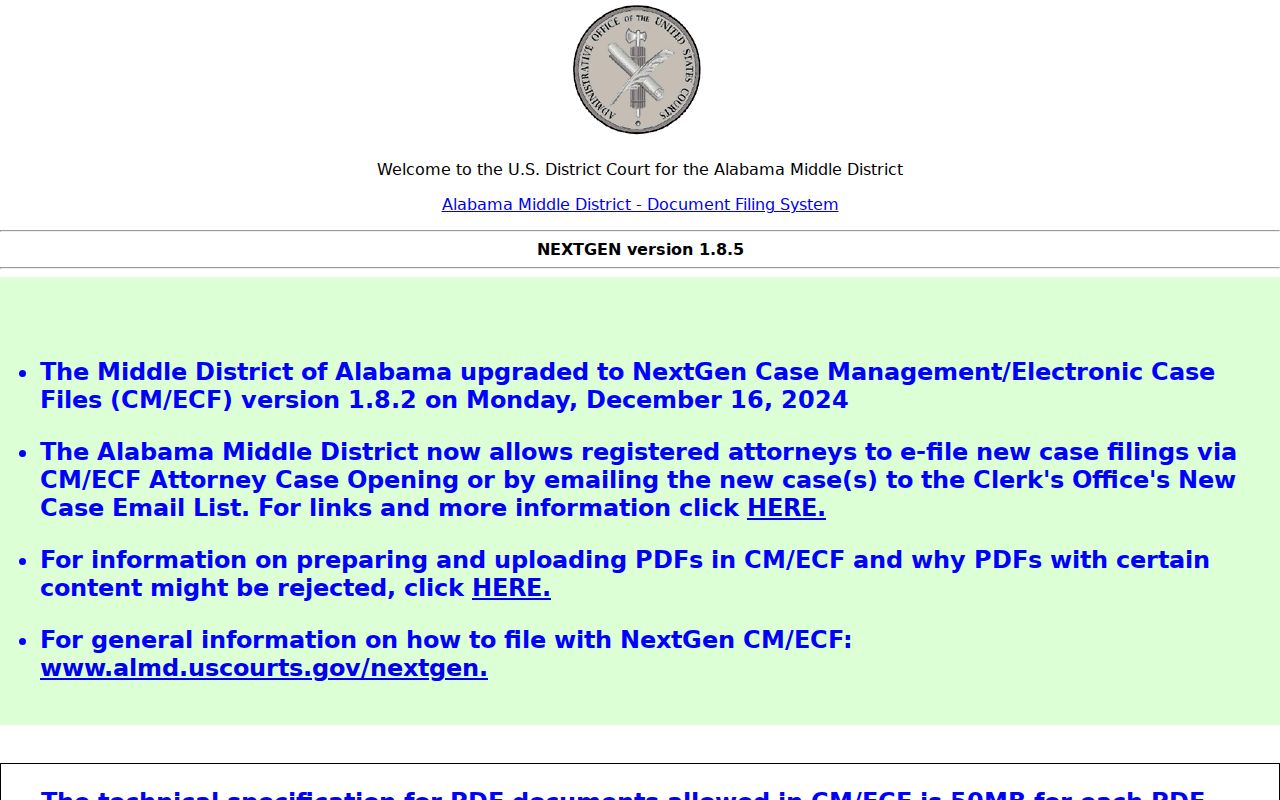
That federal screen marks a boundary. State filings from Bullock County belong in Alabama trial systems, while a federal case runs through CM/ECF and PACER instead.
County vs Statewide Case Search
Bullock County's free search tool sits inside Alabama's centralized court platform, yet it only covers this county and a chosen date. Just One Look is the wider statewide trial layer. The clerk counter offers free public viewing on top of that. Appellate and federal portals, meanwhile, hold the records outside the trial court system.
| Channel | Coverage | Best Use |
|---|---|---|
| Bullock Search Docket | County 09 upcoming settings | Free check by date and optional surname |
| Just One Look | Participating Alabama trial courts | Name or case-number detail, images, and monitoring for fees |
| Clerk office | Bullock Circuit and District public records | Free viewing, copies, certified records, and missing-file help |
| Appellate Public Portal | Alabama appeals | Separate appellate case and docket |
| PACER | Federal district, bankruptcy, and appellate cases | Federal dockets and documents |
Free access does not always extend online. The 2025 Alabama court-record rules pair no-charge viewing at the clerk's office with paid subscriber access from remote devices.
Bullock County Docket Search Snapshots
A docket hit proves the clerk indexed an event, nothing more. It cannot vouch for the truth of statements inside a filing. Even a purchased Just One Look detail is only a snapshot from one date. Later case activity may call for a paid refresh.
The free Bullock date docket is narrower still. It lists matters set for a chosen date and can leave some cases out. When exact terms matter, confirm the key fact. Check the newest docket entry. Then read the signed order itself.
Bullock County Appellate Case Searches
An appeal creates a fresh case number and docket. That docket sits above the Bullock County trial file. The trial clerk keeps the pleadings and record from below. Appellate briefs and orders live in the statewide appellate system instead. Its guide states that unregistered users may search the official Public Portal. Document purchase is limited in the way the guide describes. Older appellate documents, those filed before March 21, 2022, remain in ACIS.
The Alabama Court of Civil Appeals page is one official destination for qualifying civil matters.
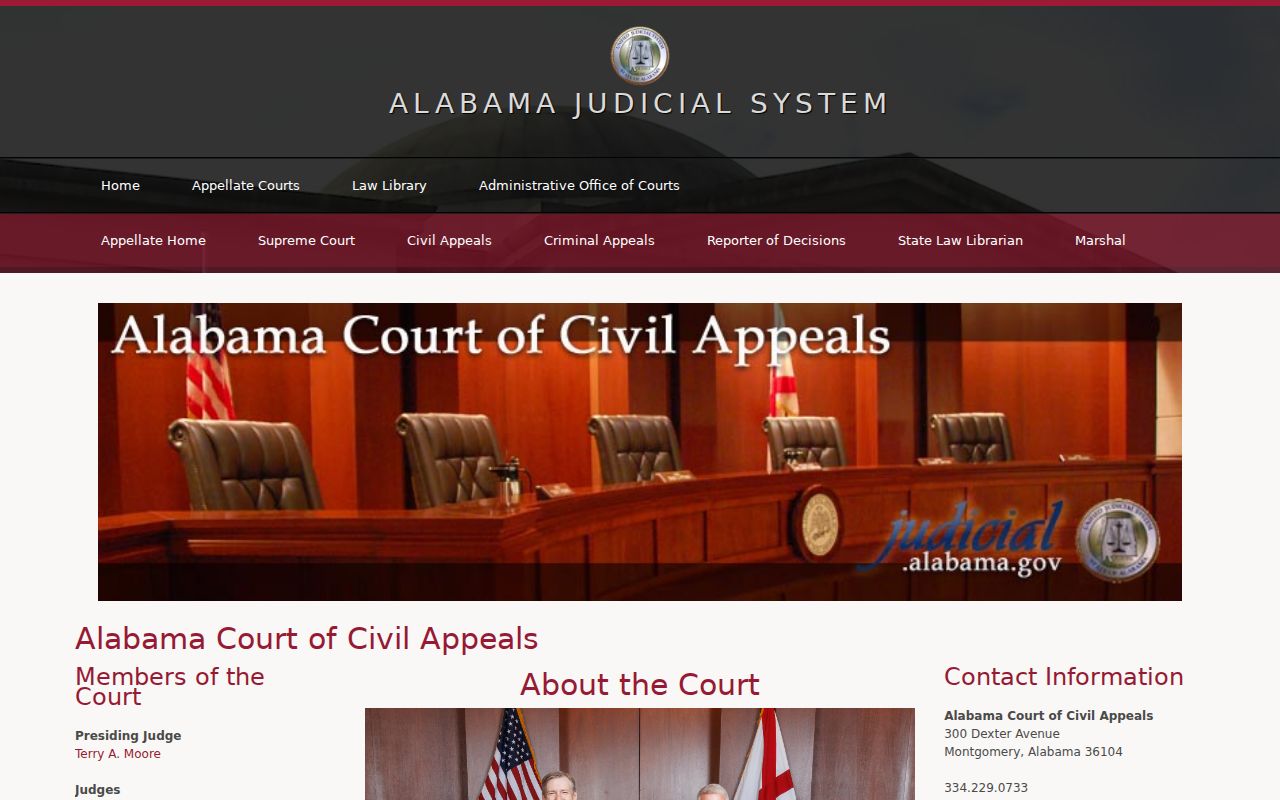
The shift here is from county trial search to statewide appeal search. Criminal appeals go to the Court of Criminal Appeals. Jurisdiction decides which civil appellate court takes a case.
Bullock County Federal Case Searches
Federal cases arising in Bullock County belong to the U.S. District Court for the Middle District of Alabama. A dispute rooted in Bullock County will not show up in Alacourt for that reason alone. PACER is the official federal docket and document service.
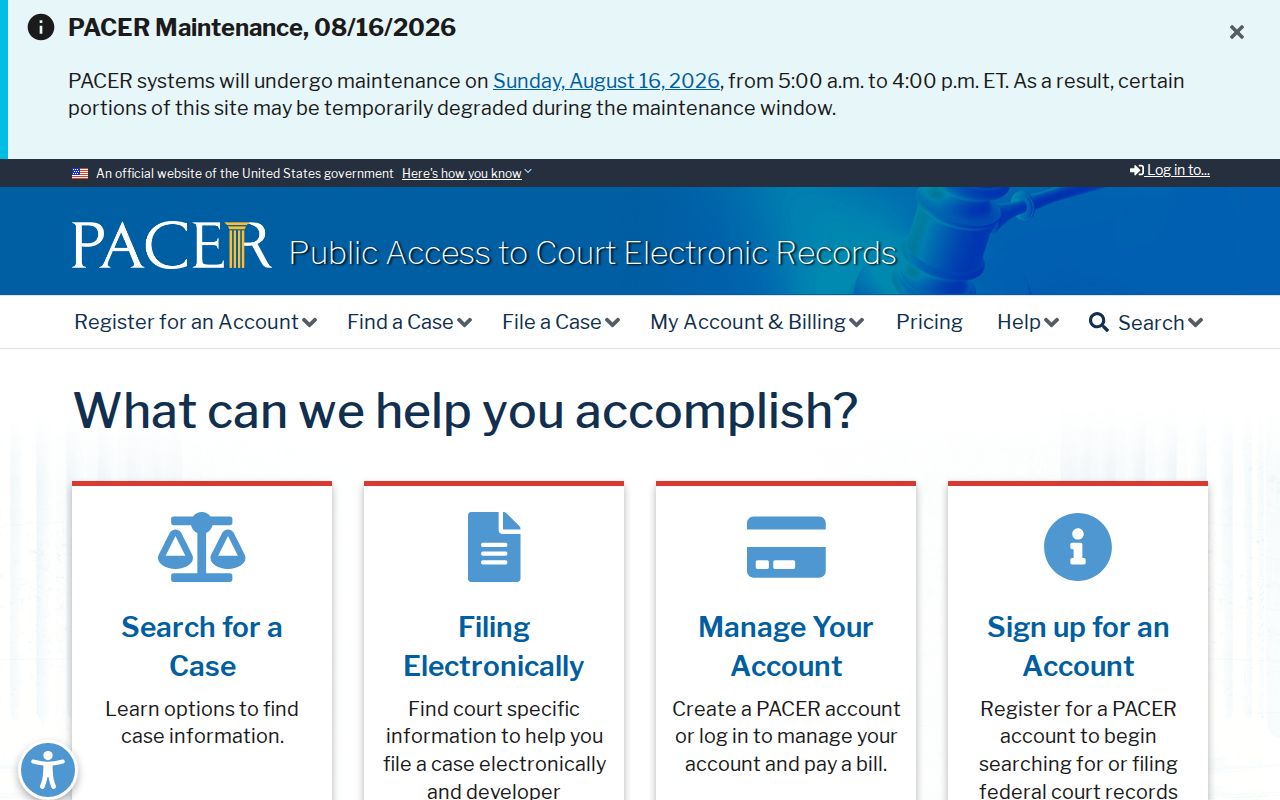
The PACER screen belongs to the right search family for federal district, bankruptcy, and appellate matters. It is no substitute for a Bullock County Circuit or District Court search.
The official PACER pricing page explains the per-page billing and the quarterly waiver threshold.
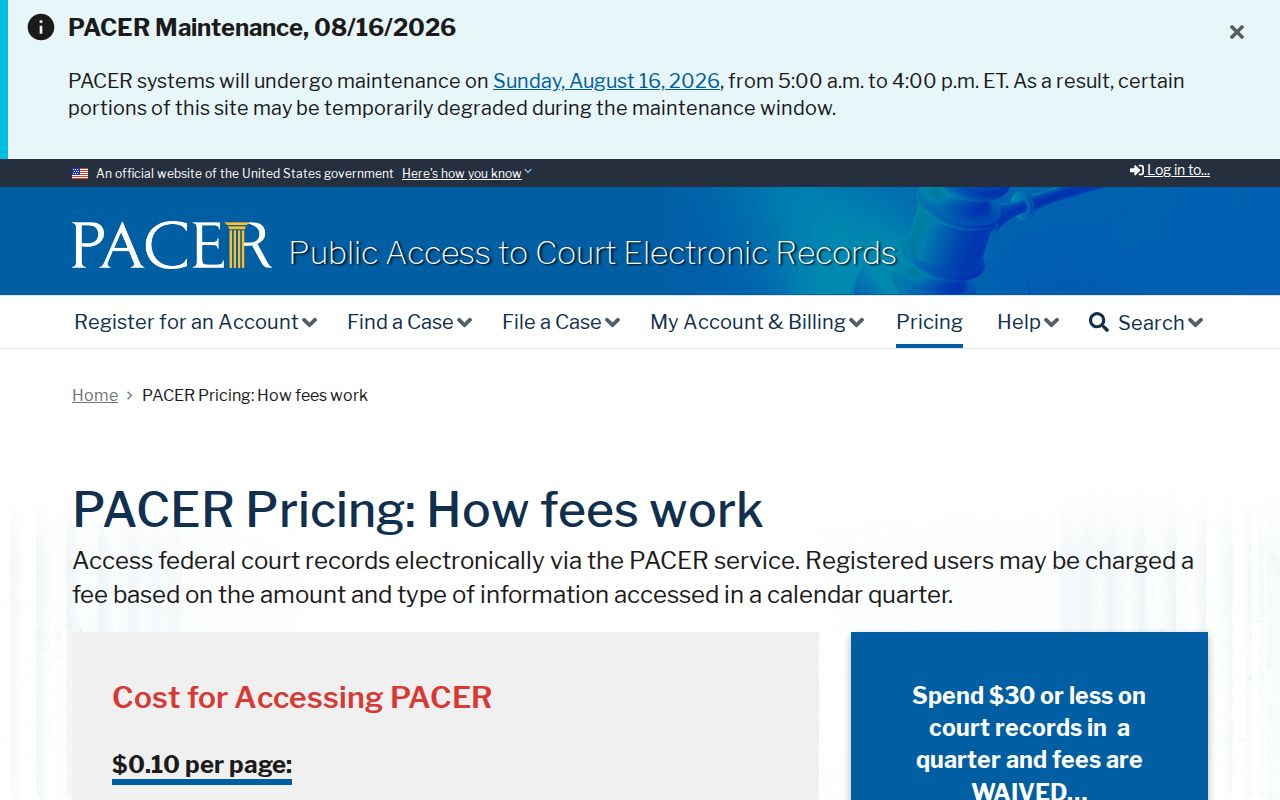
The pricing view helps you plan before opening federal documents. The official source states a general rate of $0.10 per page. Many documents carry a 30-page cap. Quarterly charges of $30 or less are waived, subject to current exceptions.
Federal filing access in the Middle District runs on its CM/ECF system. The official entry screen shown earlier links accounts to the federal file. It does not link to Alabama's Case Action Summary. Bankruptcy cases go to the U.S. Bankruptcy Court for the Middle District. Appeals climb to the Eleventh Circuit.
Restricted Cases and Access Rules
Public results from a Bullock County case lookup exclude or redact protected information. The protection comes from Alabama's 2025 Rules of Court-Record Privacy and Confidentiality, along with the civil and criminal filing rules. Juvenile matters are restricted. Adoption and similar confidential records may never surface in an ordinary public search. A sealed record opens only through access allowed by law. Party status, counsel authority, or a court order can also open it.
Redacted and sealed are not the same thing. Redaction hides protected fields but leaves the public portion of a record accessible. Sealing shuts off access to the record under a court order or rule. An operational omission is a third, separate issue. Ask the right clerk whether a public record exists and which process applies. Do not ask staff to reveal protected content.
Note: A docket result is an index and a snapshot. It is not a certified copy. It is not proof of every fact asserted in filed papers.